Result
This is the shape of what comes back. Fill in the form, or hit "Try an example", and the grey turns into words.
Writing, usually 15 to 30 seconds.
A finished LinkedIn post from a rough thought, a few bullets, or the gist of something you read. It comes back built for the feed rather than for a document: a first line that earns the click on 'see more', short paragraphs, no hashtag confetti, and an ending that gives people something to answer.
Result
This is the shape of what comes back. Fill in the form, or hit "Try an example", and the grey turns into words.
Writing, usually 15 to 30 seconds.
Example run
The material went in as five unpolished sentences. The generator chose the first line, the paragraph rhythm, and the closing question; the Story format and the Direct tone came from the chips.
What went in
What came back
Atta Ur Rehman Shah
Co-Founder @ Depost AI — Your AI content team for LinkedIn · Just now
We killed our weekly sprint demo and alignment went up. For two years the demo was sacred. Twelve people, forty five minutes, every Friday. Attendance looked great on the calendar. It was fake. Half the room was answering Slack. The demo existed so nobody could say we did not communicate. Six weeks ago we replaced it with a five minute Loom. Whoever shipped something records a walkthrough, drops it in the channel, and everyone watches when their brain is actually available. Comments got better. People pause the video, look at the thing, and ask real questions instead of nodding. The recordings became documentation. New joiners binge a month of demos in an hour. And we got 45 minutes times 12 people back, every single week. That is a full working day for the price of one short video. The lesson took me too long to learn: a meeting is not communication. It is one expensive way to do it, and for status updates it is the worst one. Which meeting on your calendar exists so nobody can say you did not communicate?
Why it matters
LinkedIn pays out its reach to the people who show up every week. A first draft on the page in half a minute is how a busy founder stays one of them.
1%
of LinkedIn members post weekly. Consistency, not brilliance, is the unclaimed advantage.
LinkedIn data
9B
impressions collected every week by that posting 1%.
Buffer
2×
more engagement for accounts that post weekly versus sporadically.
Not our numbers. LinkedIn’s and Buffer’s.
Beyond the demo
The generator above works with whatever fits in a few fields. Connect LinkedIn to Depost AI, the AI content team B2B founders and teams run on LinkedIn, and the same kind of draft starts from your analytics, your voice, and the buyers you are actually trying to reach.
The agents read your posting history first: the hooks that earned the click, the pillars your audience answers, the rhythm of what worked. The draft sounds like you because it learned from you, not from a form.
Build custom lists of the people you want to stay visible to. Their new posts arrive in one feed with a comment drafted in your voice under each. You edit or approve every one before it goes anywhere.
Finished drafts go to the queue and publish through LinkedIn’s official API, with the first comment written alongside. Connection notes and follow-ups are drafted with the context already in place. Nothing goes out until you approve it.
Connect LinkedIn and you have a strategy, your pillars, and your first post ideas in about fifteen minutes.
Five named shapes sit under the box, and Auto. Most drafts do not need you to choose, but the shape changes what the post argues, so it is worth knowing what each one does.
Auto. Reads your material and picks the shape that fits it. Use this unless the material is clearly one of the four below.
Case study. The situation, what you did, and the numbers that came out. Needs at least one real figure to be worth reading, so skip it if you do not have one.
How-to. Steps in order, each concrete enough to act on this week. Best when you can name the mistake people make at each step.
Story. First person, with a turn: what happened, what changed, what it taught. The format most likely to be read to the end, and the one that fails hardest with nothing real behind it.
Hot take. A claim up front and the evidence behind it. It is built for a position you can defend, not for provocation; a take you cannot back reads as noise.
Lead magnet. An offer post: the problem the resource solves, two or three concrete things inside it, and one way to get it. Pair it with the lead magnet generator, which writes the PDF itself.
Length and tone matter less. Standard suits almost everything, Short is for one tight idea, and Long is for a story that earns the room. Leave tone on Auto unless the post is going somewhere your usual voice would be wrong.
LinkedIn rebuilt feed ranking in March 2026 and published how it works, which makes this less of a guessing game than it used to be. Two things matter for reach. Relevance can now outrank recency, so a post that earns attention keeps surfacing for days rather than dying at sixty minutes. And engagement bait is pushed down by name, along with repetitive low-substance posts, so the tricks that used to inflate a post now cost it.
That is the shape this generator writes to: a specific claim, a hook that earns the expansion, paragraphs a phone can read, and an ending that invites a real reply rather than a "comment YES". Ten things that move a LinkedIn post covers the rest, and how the algorithm works in 2026 has the sources behind both facts above.
The single biggest lever on this page is the material field. "Write a post about leadership" produces the kind of post you scroll past, because there is nothing in it that only you could say. A half-formed story with one number in it ("we killed our sprint demos, replaced them with a 5 minute video, saved 9 hours a week") produces a post with a spine, because the generator's job becomes arranging your material instead of inventing some.
A useful habit: write the material field the way you would tell a colleague at lunch. Unpolished, specific, slightly opinionated. The generator handles the formatting, the hook, and the pacing; what it cannot supply is the experience, and the experience is what readers respond to. That goes double for a B2B audience: founders and operators scroll past advice all day, and stop for the post with a real number from a real company in it.
The feed shows roughly three lines of a post before collapsing the rest behind "see more". The first line is therefore not an introduction; it is the advertisement for the click, and the generator writes it under 200 characters with a concrete claim or tension rather than a stack of questions. After the cut: paragraphs of one to three sentences with blank lines between them, because the mobile feed turns anything denser into a grey wall.
No hashtags by default. A tag or two can help a post find a narrow audience, but the reflexive five-tag footer marks a post as template-driven, and you can always add tags deliberately with the hashtag generator on this site. Run the result through the post preview to see the exact cut, and through the AI content detector if you want a second opinion on the register before publishing.
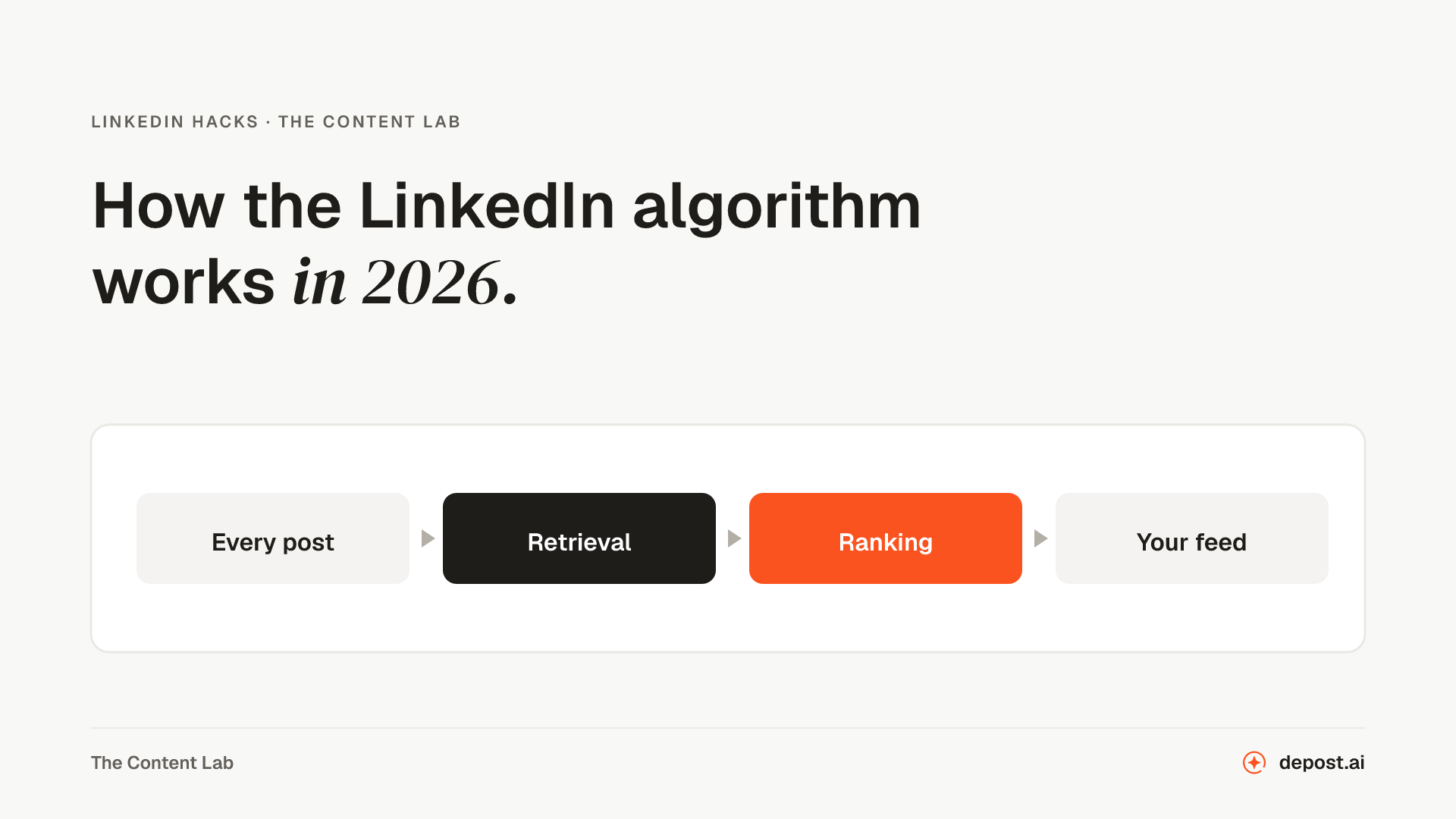 LinkedIn HacksHow the LinkedIn Algorithm Works in 2026LinkedIn rebuilt feed ranking in March 2026 and published how it works. Here is what the company confirmed, what third parties measured, and what is still guesswork.
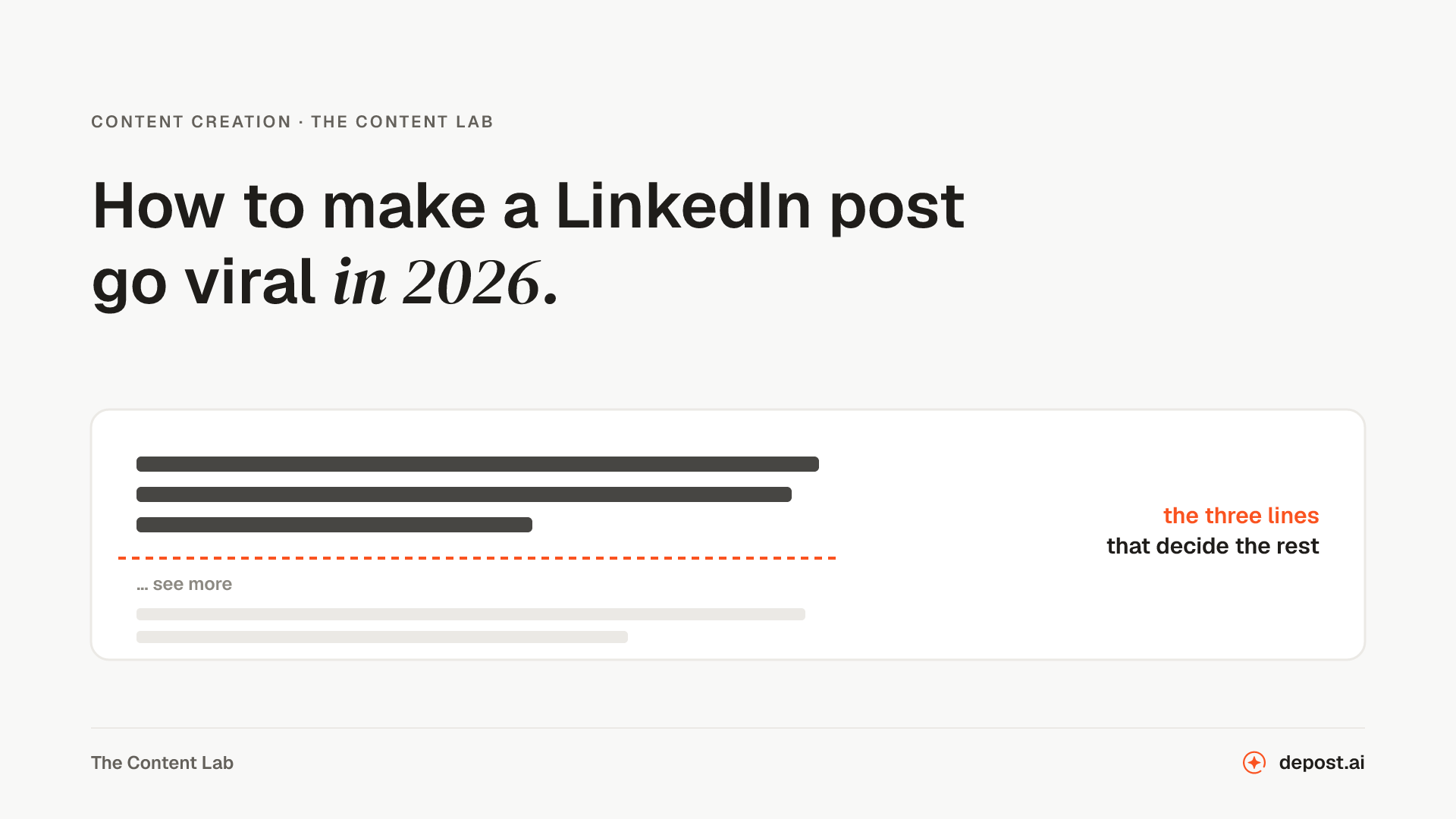 Content Creation10 Tips to Make LinkedIn Posts Go Viral in 2026Ten things that move a LinkedIn post in 2026, and what the March algorithm rebuild changed about how far one travels after the first hour.
 LinkedIn HacksMaster LinkedIn: Ultimate Content Creation Guide (2025)A start-to-finish guide for building a LinkedIn presence: the profile, the first hundred connections, what to post, and how to keep it up past week three.
LinkedIn Hook Generator
Several openings for a post you have already written, since the first two lines are the only part most people see.
LinkedIn Post Preview
See where the "see more" cut lands and how the post reads on a phone, before you publish rather than after.
AI Content Detector for LinkedIn
Checks a draft for the patterns that make a post read as generated, and names the line that gave it away.
Brief your team once. It studies, plans, writes, designs, and schedules. You approve.
Your brief comes with you: once you're set up, it's the team's first job.
7 days free · Strategy in your first 15 minutes · Cancel anytime